Since launching the new Order Management, we've been listening to how brands use it day to day and building on it. The next set of updates to Orders With Issues, provide more control over problem orders, faster ways to act on them and better visibility into what's actually wrong.
What's new
Take action on multiple orders at once
Orders can now be cancelled or held in bulk, directly from the Orders page. Select multiple orders and cancel or hold them all at once - no need to do it one by one.
Sometimes one order is split into multiple packages shipping separately - split shipment. If one of those packages has a problem, you can pause just that package, not the whole order. The other packages still ship on time.
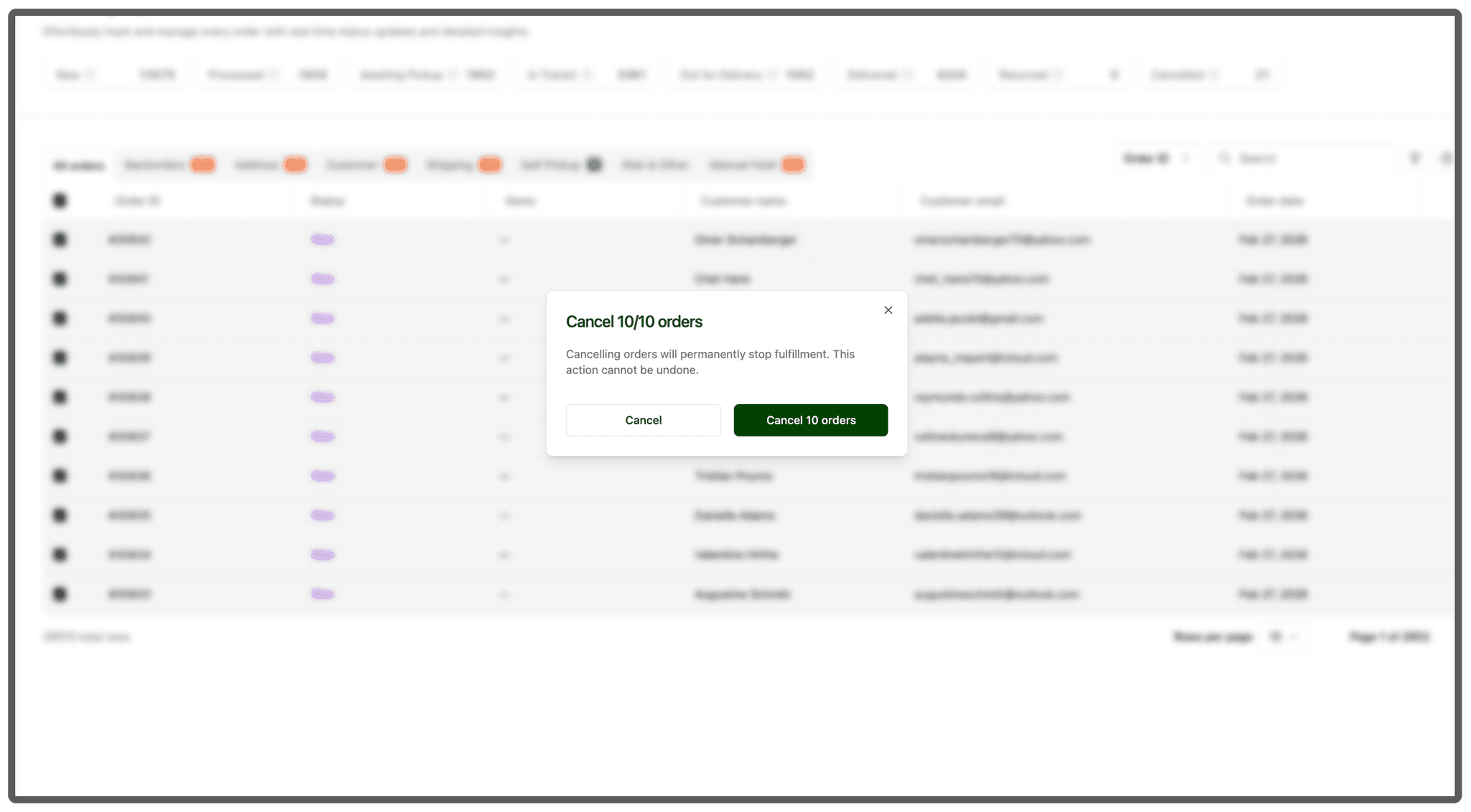
Action buttons right where you need them
The buttons to hold, cancel, or fix an order are now visible directly in the orders list. You don't have to click into each order to take action - you can do it right from the overview.
One support ticket for multiple orders
You can now link multiple orders to a single support ticket, so if several orders share the same issue, our team handles it in one go instead of opening a ticket for each one.
See what's wrong without opening the order
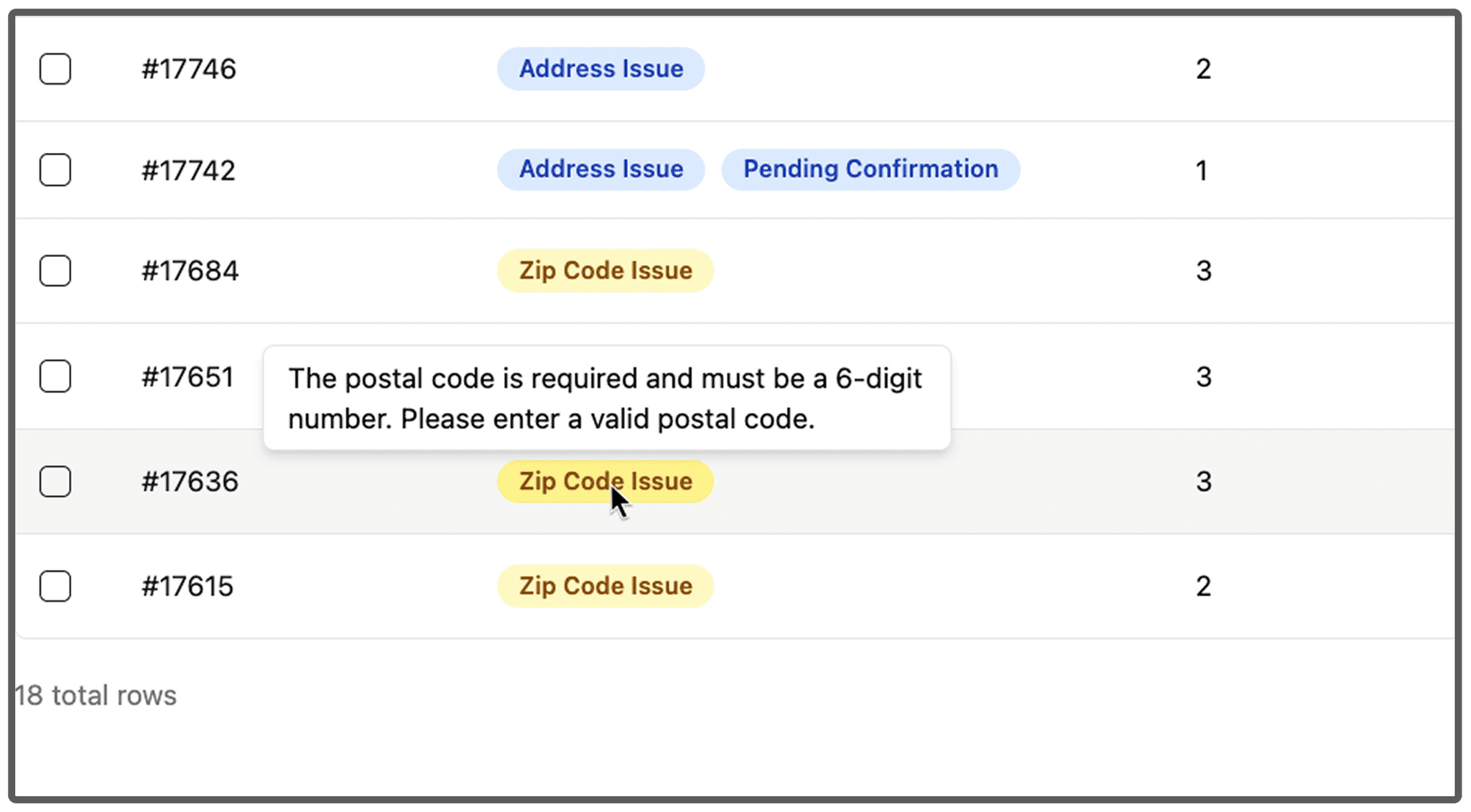
Simply hover over any tag on an order and you'll see the specific issue right away. No need to click in. Issues are also shown in full on the order detail page, so everything is there at a glance.
Resolve issues from the order detail page
You no longer need to jump between pages to resolve an issue. Open the order, see the problem, and fix it directly from the order page.
Reminders for manually held orders
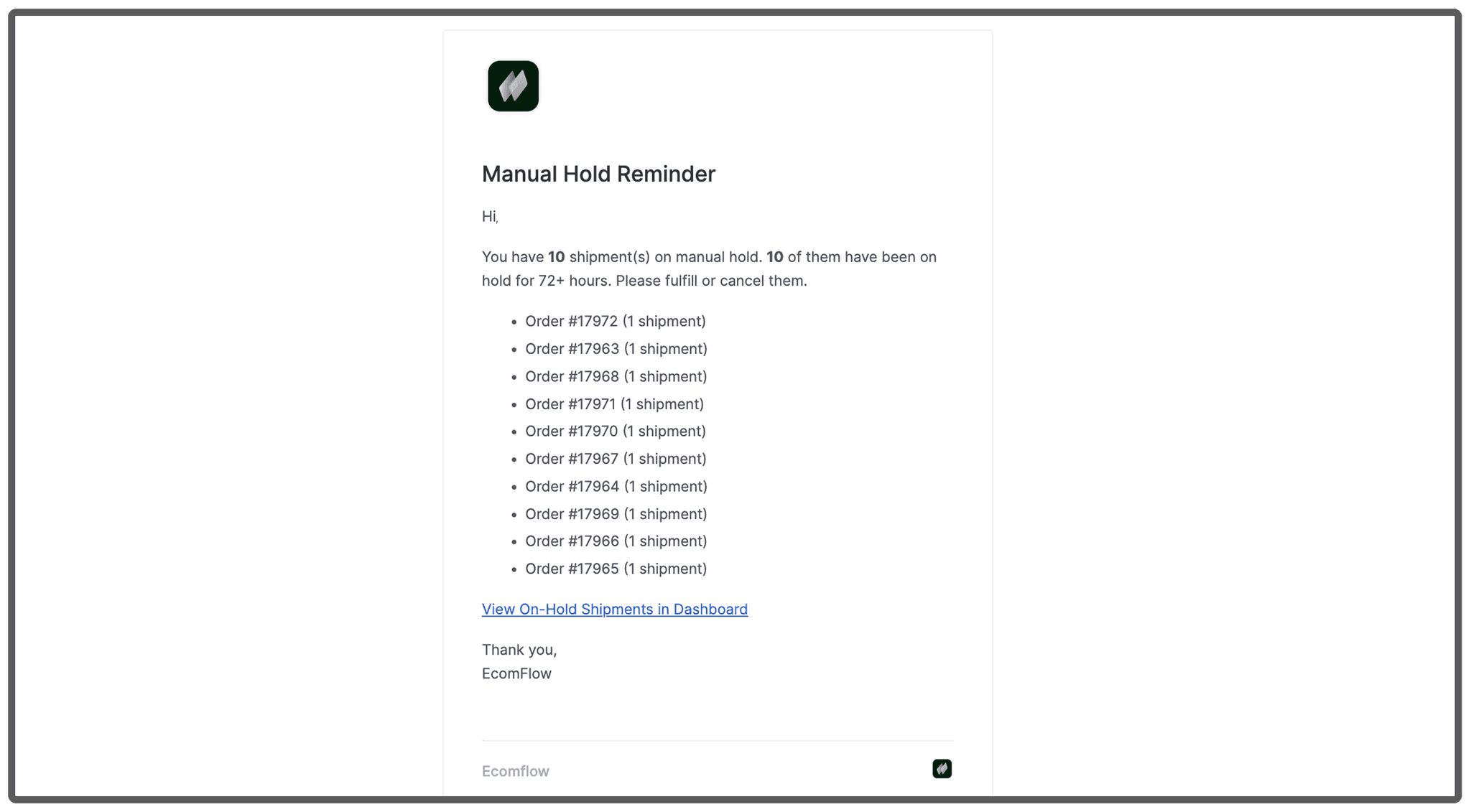
If orders are sitting on manual hold, you'll now get reminder notifications so nothing slips through the cracks.
Try it today
Head to the Orders page and start using the new features right away.